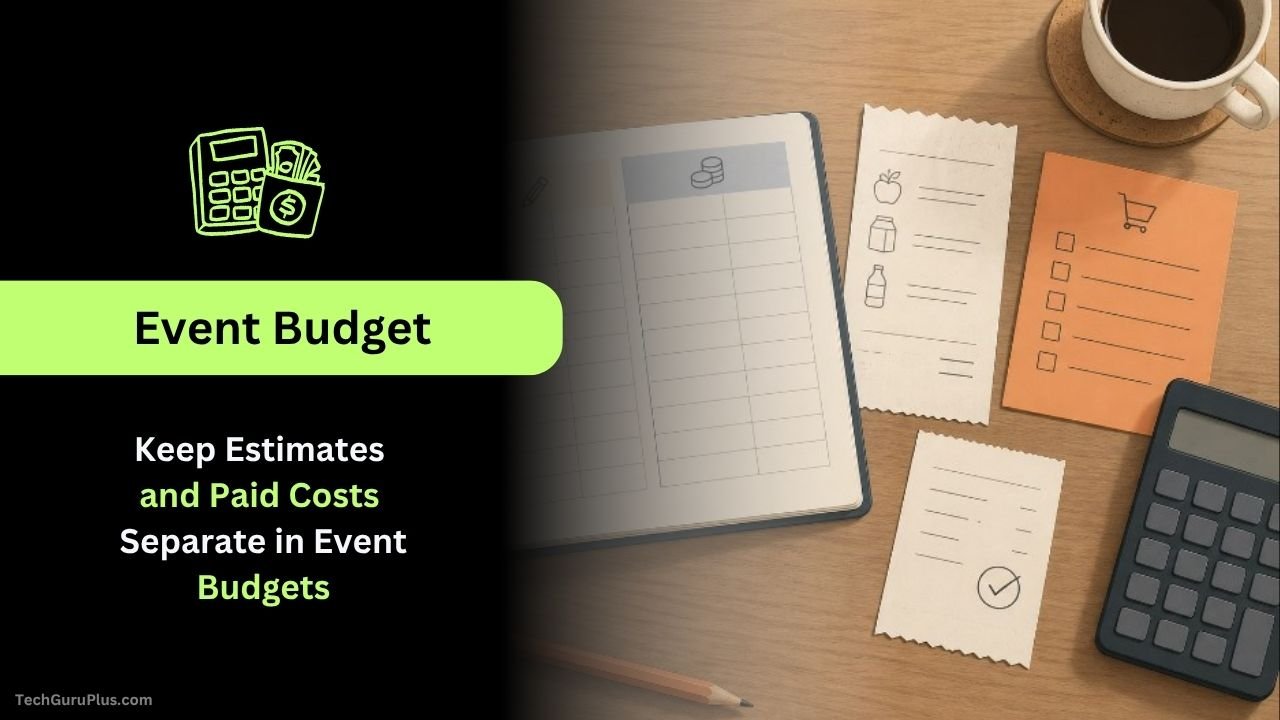
Keep Estimates and Paid Costs Separate in Event Budgets
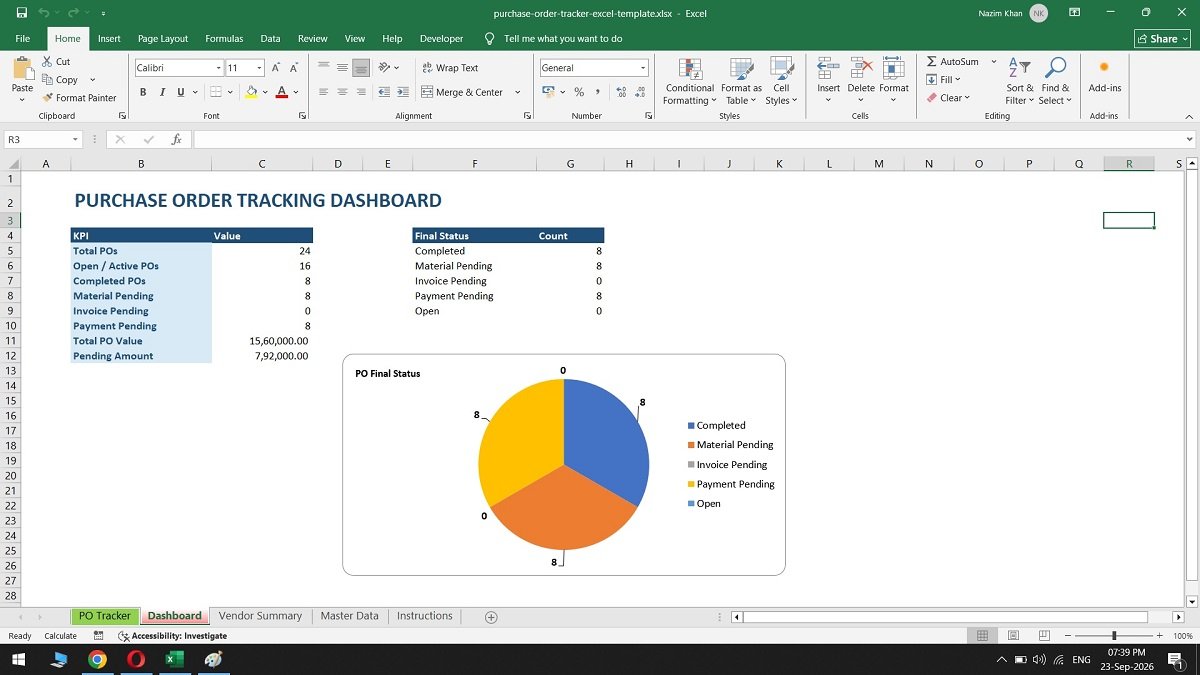
A small event budget can look finished long before its numbers are dependable. The room cost is a rough guess, the supplies have been ordered, and one participant has already paid for snacks. Put all three figures in one column called Cost and the total becomes difficult to interpret. It mixes what might happen with … Read more