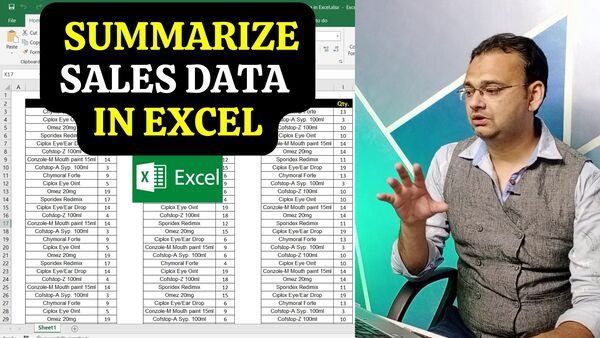
How to Summarize All Sales Data by using Sumif Formula in Excel

Managing and analyzing sales data can be a complex task, but with the help of Excel and the SUMIF formula, you can consolidate and present your data in a single, easily digestible location. In this video, we will guide you through the step-by-step process of utilizing the SUMIF formula to extract specific sales information based on criteria or conditions and calculate comprehensive totals.

By the end of this tutorial, you’ll have the knowledge and skills to efficiently summarize sales data, enabling you to make informed decisions and gain valuable insights. So, let’s dive in and unlock the full potential of Excel’s SUMIF formula for sales data analysis!

Video Tutorial

Practice File Link

Download this File

Download All Templates

Join Our Telegram Group

Join the TechGuruPlus Telegram group

Join Our WhatsApp Group

Join the TechGuruPlus WhatsApp group
Nazim Khan, founder of TechGuruPlus.com

— Founder & Editor, TechGuruPlus.com
[MBA in Finance]

Nazim Khan has spent over ten years working with Excel, Tally and office documentation in accounts, finance and MIS roles. He has been running TechGuruPlus.com since 2016, where he publishes free editable templates for office work, and the YouTube channel Business Excel. He has trained more than 50,000 people online. Every template on this site is built and checked by him before it is published.

Contact  Â·  Excel Course

1 thought on “How to Summarize All Sales Data by using Sumif Formula in Excel”

Leave a Comment


