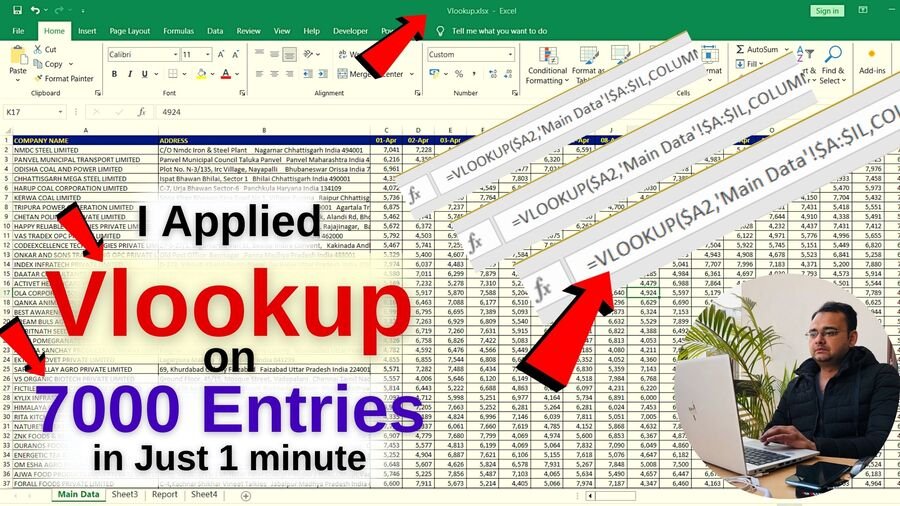
I Applied VLOOKUP on 7000 Entries in Just 1 minute in Excel
Updated on: • Published on:
Here i have explained how to apply Vlookup on 7000 Entries in Excel. i have given 2 examples to explain the Vlookup formula properly, and 2 more formulas is explained in the video that is Column() formula and Row() form, which helps a lot to apply Vlookup on large data in Excel.
Nazim Khan — Founder & Editor, TechGuruPlus.com
[MBA in Finance]
Nazim Khan has spent over ten years working with Excel, Tally and office documentation in accounts, finance and MIS roles. He has been running TechGuruPlus.com since 2016, where he publishes free editable templates for office work, and the YouTube channel Business Excel. He has trained more than 50,000 people online. Every template on this site is built and checked by him before it is published.



hello sir,
I have watched your vlookup video, it’s intresting I want to join your course।
thanks
Your Welcom
All videos are very useful for the use in office or else where
Thanks Sir
well
All videos are very useful for the office thank you sir.