Authorized Signatory TDL with Company Seal in Tally ERP 9 || SEAL AND SIGN TDL
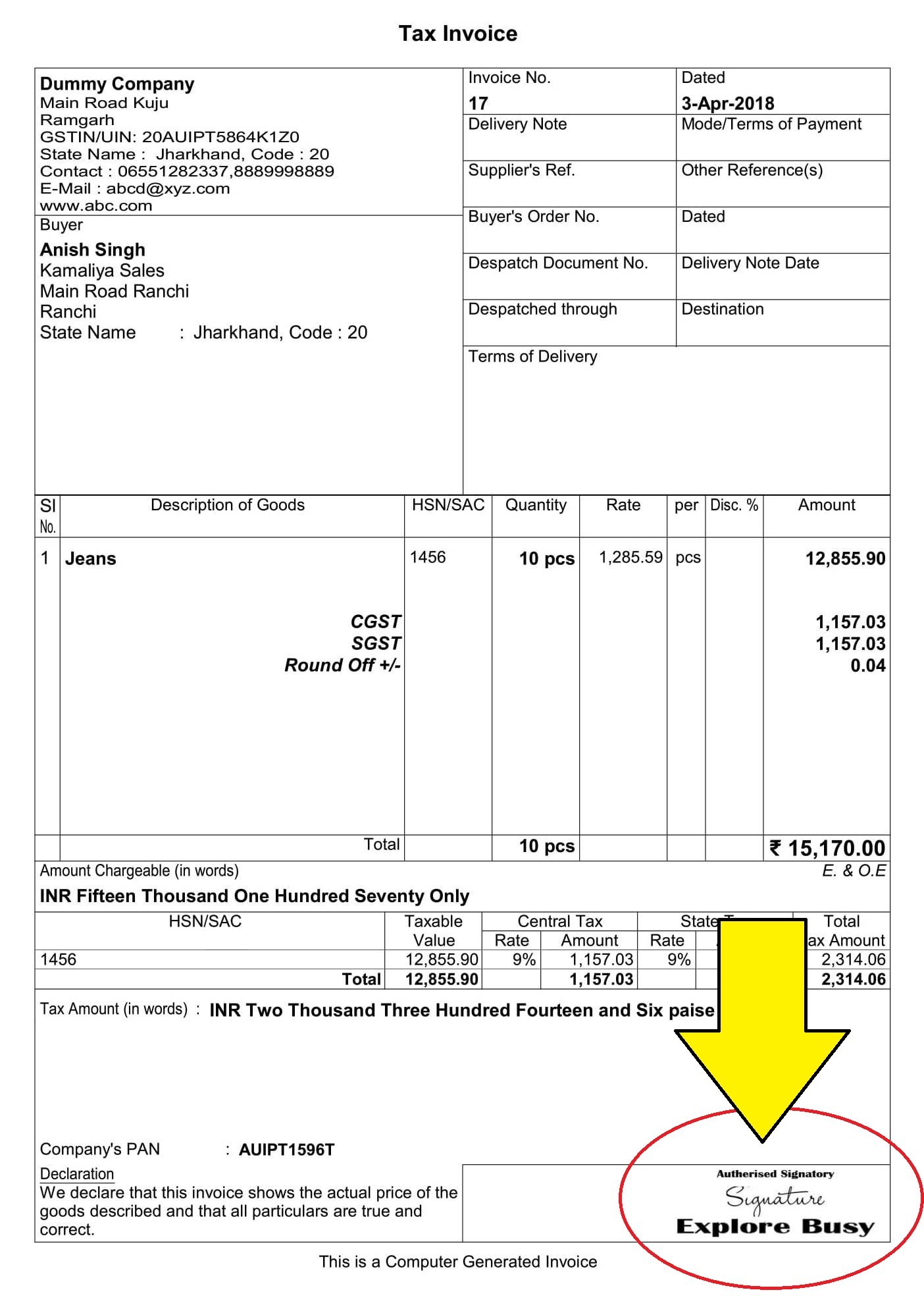
Here is the Preview of this TDL file How to Install the TDL File in Tally Step 1. Go to Gateway of Tally. Step 2. Then Press Ctrl+Alt+T button Step 3. Now Press F4 Button or Click on “Manage Local TDL” button Step 4. Now do “Yes” to “Loan TDL Files on Startup” option Step … Read more