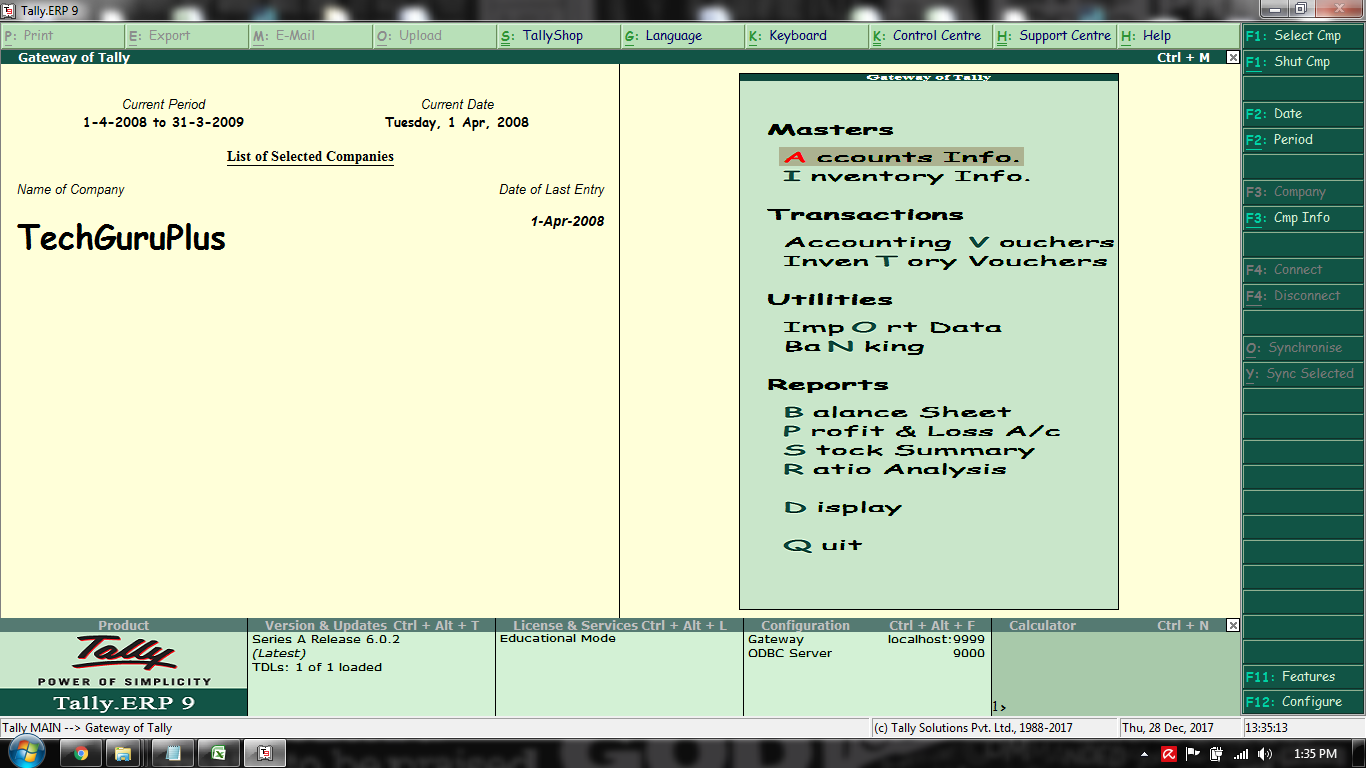
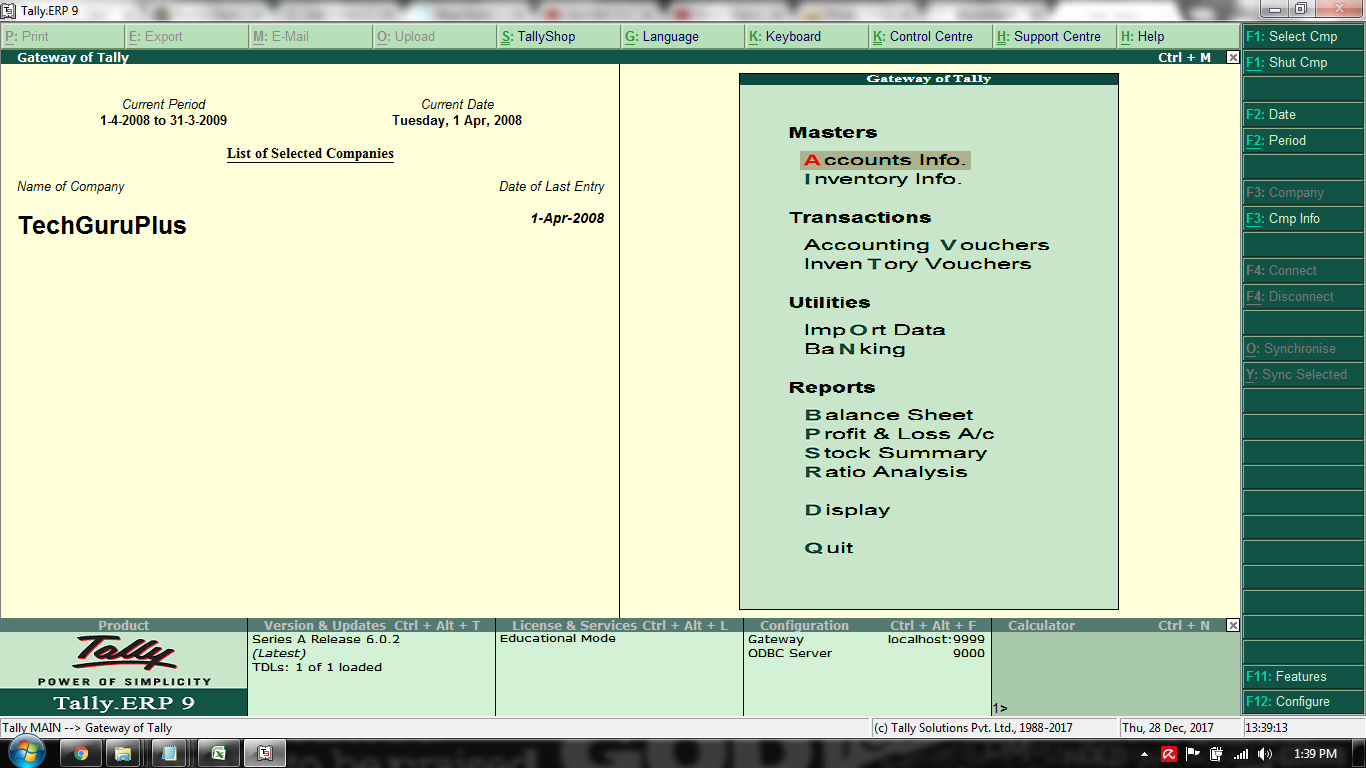
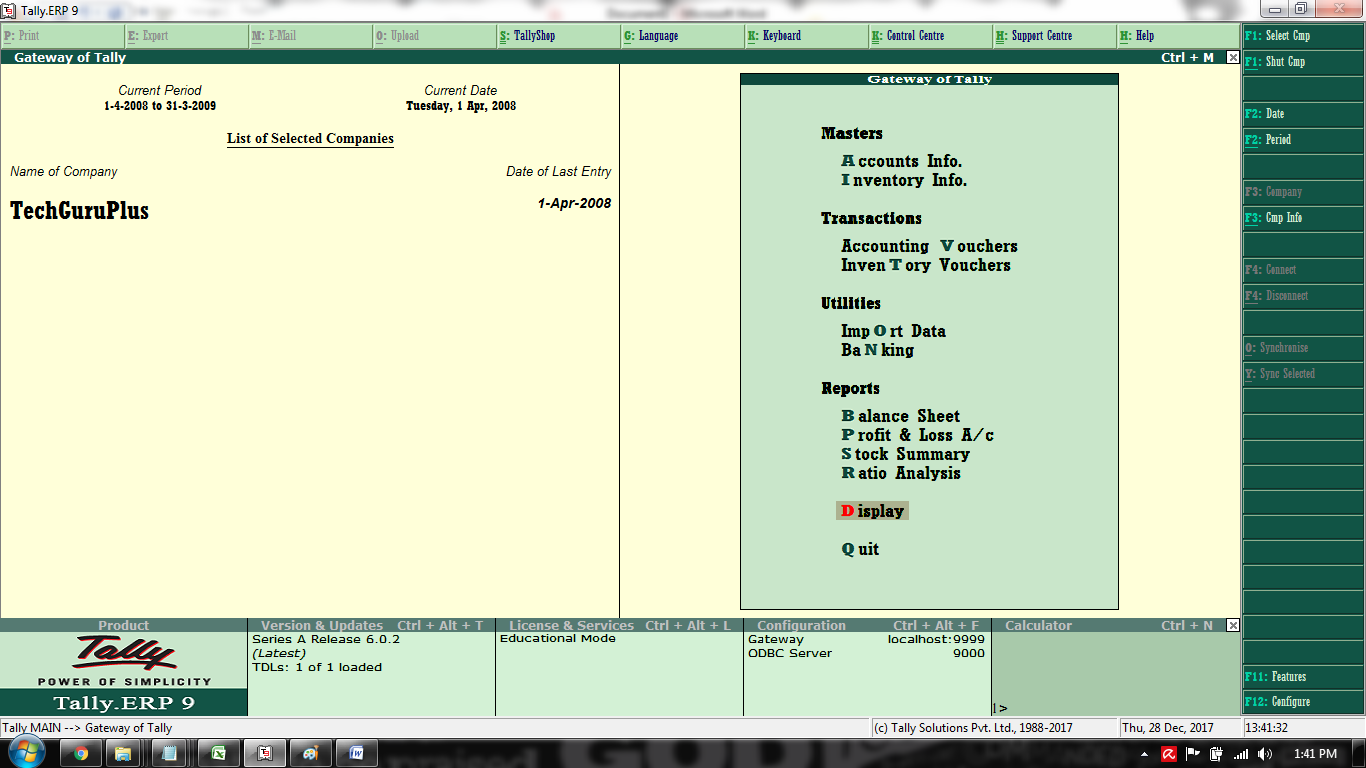
Friends not you can change fonts in you Tally ERP 9 Software, You just need to upload a TDL file as download link i have given below. So here are some screenshot after change the font:-
Screenshot-1
Screenshot-2
Screenshot-3
How to Install the TDL File in Tally
Step 1. Go to Gateway of Tally.
Step 2. Then Press Ctrl+Alt+T button
Step 3. Now Press F4 Button or Click on “Manage Local TDL” button
Step 4. Now do “Yes” to “Loan TDL Files on Startup” option
Step 5. Now in the next line “List of TDL Files to preload on Startup” Enter the TDL File Path or Location Like “E:\File.tdl”
Step 6. Now save the settings
Your TDL File is ready to use.
Tally Font Change Add-on TDL File for Tally ERP 9

Join Our Telegram Group

Join Our WhatsApp Group


sir sales invoice print me stock item ki size kam ya jyada kese kare tdl h to batavo
we are using DMS (software of maruti ) from last year our maruti automobile company. we want sale and purchase voucher export from DMS and import in tallyerp9. what is this possible.
Sir please jewellery shop k liye banaiye
sir front size increase karne ka tdl h….plz
i want change font
Any TDL For Liquor Accounting