Here is the Preview of this TDL file
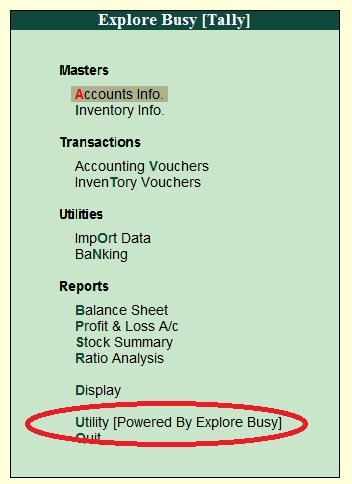
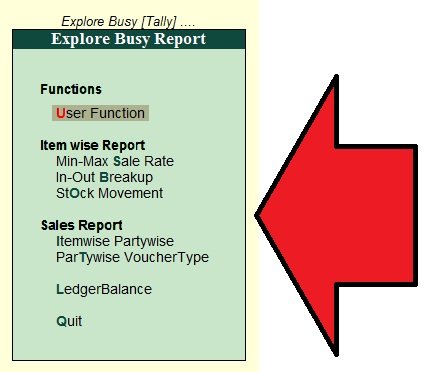
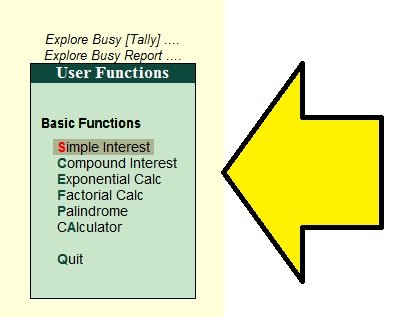
Watch This Video to Learn about this TDL
How to Install the TDL File in Tally
Step 1. Go to Gateway of Tally.
Step 2. Then Press Ctrl+Alt+T button
Step 3. Now Press F4 Button or Click on “Manage Local TDL” button
Step 4. Now do “Yes” to “Loan TDL Files on Startup” option
Step 5. Now in the next line “List of TDL Files to preload on Startup” Enter the TDL File Path or Location Like “E:File.tdl”
Step 6. Now save the settings
Your TDL File is ready to use.
Join Our Telegram Group

Join Our WhatsApp Group


stop duplication supplier invoice no. 1.1.tcp
pls send me this file
what is password
send the link of tdl file
Need TDL for Every stock items with Godowns on Day book
add hsn code in sales and purchase items