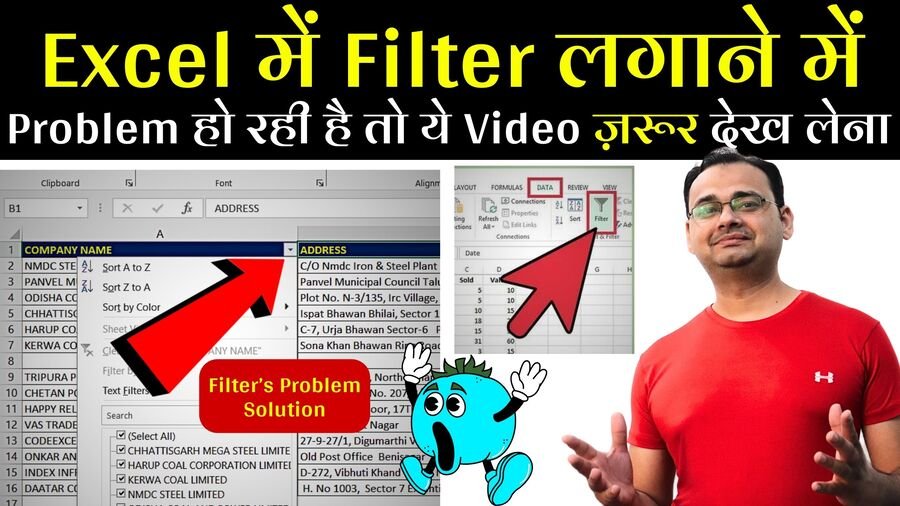
If you are applying Filter in Your data in Excel, but filter is not working in your excel file, then here in the below video i have provided a best solution for it. You have to change the pattern of applying the filter. you just need to select your all data first then apply filter as per the instruction in the video, also i have given the solution to remove blanks rows in your data to apply the filter in a proper way. watch the video ad learn step by step. Excel Practice file is also given below to download and practice in your laptop.
Shortcut to apply Filter or Remove Filter:
CTRL + Shift + L
Tutorial Video
Join Our Telegram Group

Join Our WhatsApp Group

